

On Sale 14%
Computing
UWQHD Resolution (3440 x 1440): This resolution on a 34-inch screen provides a high pixel density of approximately 109.68 pixels per inch (PPI).2 This means sharper images, more detailed textures, and a generally crisper visual experience compared to lower resolutions.3 The ultrawide 21:9 aspect ratio also expands your field of view in compatible games, making them more immersive, and provides extra screen real estate for productivity tasks like video editing or multitasking.4
1500R Curvature: This is a relatively aggressive curve, meaning the radius of the curvature is 1500mm.5 This design aims to wrap around your peripheral vision, further enhancing immersion and reducing perceived distortion at the edges of the screen. It can also help to reduce eye strain by keeping more of the screen within your natural field of view.
VA Panel: The monitor utilizes a VA (Vertical Alignment) panel.6 VA panels are known for their excellent contrast ratios, offering deeper blacks and brighter whites than many IPS panels.7 This results in more vivid images and better distinction between dark and light areas, which is particularly beneficial in games with dynamic lighting or dark environments.8
Wide Color Gamut: It boasts impressive color coverage, with around 118.25% sRGB and 92.57% DCI-P3.9 This means it can display a wider range of colors than standard monitors, leading to more vibrant, lifelike, and accurate visuals, which is great for both gaming and content creation.10
HDR Ready: While not a full-fledged HDR display with local dimming, it supports HDR content, meaning it can produce images with a greater dynamic range, wider color spectrum, and better contrast, making certain content look more lifelike.11
Performance for Gaming:
180Hz Refresh Rate (Note: some sources mention 144Hz, it's important to confirm specific model revision): A refresh rate of 180Hz (or 144Hz) is significantly higher than standard monitors (60Hz or 75Hz). This allows for much smoother motion in games, reducing motion blur and judder. Fast-paced games like first-person shooters or racing simulators will benefit greatly from this high refresh rate, providing a more fluid and responsive experience.12
1ms Response Time (MPRT): This refers to the Moving Picture Response Time.13 A 1ms response time means pixels can change color very quickly, which is crucial for minimizing ghosting and motion blur. This ensures that fast-moving objects remain clear and sharp on screen.
Adaptive-Sync (FreeSync): This technology synchronizes the monitor's refresh rate with your graphics card's frame rate. This eliminates screen tearing (where the image appears split) and stuttering, resulting in a smooth and consistent visual experience, especially during gameplay where frame rates can fluctuate.14
Ergonomics and Design:
Adjustable Stand: The stand offers a good range of adjustments, typically including tilt, swivel, and height adjustment (up to 90mm).15 This allows you to position the monitor precisely for optimal comfort and viewing angles, reducing neck and eye strain during long sessions.16 VESA mount compatibility (75x75mm) is also standard, allowing you to attach it to a monitor arm or wall mount.17
Frameless Design: The monitor features very narrow bezels, which not only contribute to a sleek aesthetic but also enhance immersion, especially when using multiple monitors.18
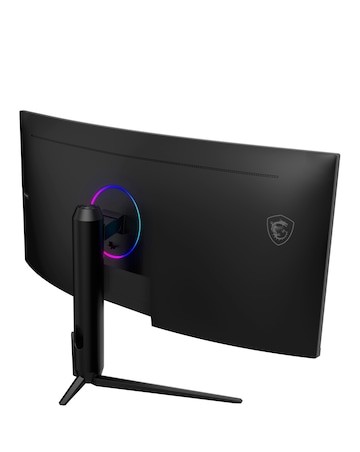
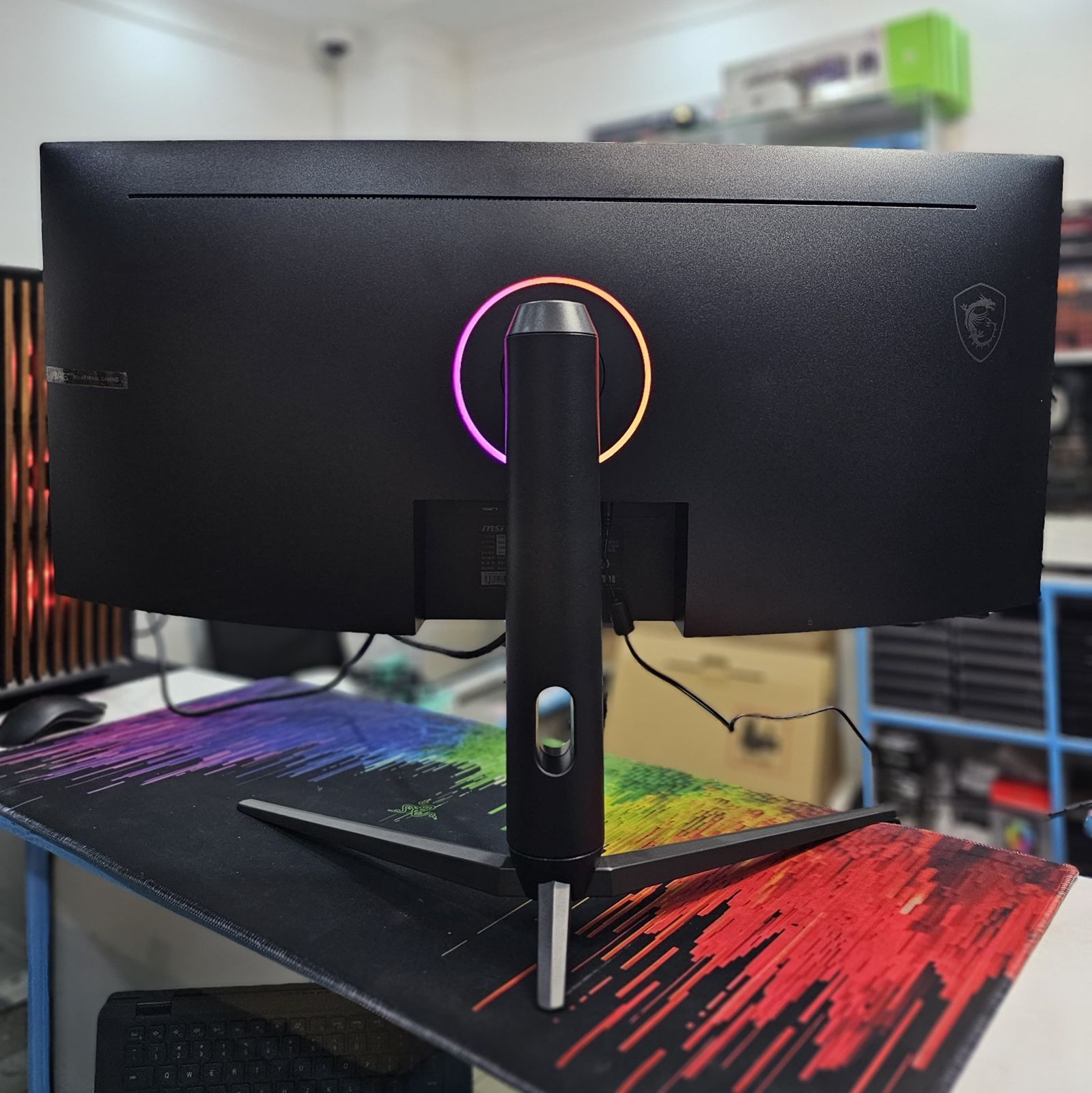
Mystic Light RGB: MSI's Mystic Light technology allows for customizable RGB lighting effects on the back of the monitor.19 This can be used to match your existing PC setup or create a unique ambient lighting effect.
Additional Features:
Night Vision: This feature intelligently adjusts the display to enhance visibility in dark game areas, helping you spot enemies or hidden details without overexposing brighter parts of the screen.20
Anti-Flicker and Less Blue Light: These eye-care technologies reduce the amount of flicker and blue light emitted by the display, which can help to prevent eye strain and fatigue during extended use.21
Gaming OSD App: MSI often provides an on-screen display (OSD) app that allows you to adjust monitor settings using your keyboard and mouse, which can be more convenient than using the physical buttons on the monitor itself.22
Console Mode: Some MSI monitors include a console mode that can optimize settings for gaming consoles and may even support VRR over HDMI for compatible consoles.23
Contact Information:
Website: yetustores.com
Phone: 0710877562

2082-0118, Nairobi, Kenya
info@yetustores.com
+254710877562


© 2026 Yetu Stores - All Rights Reserved. Dev by Codekali Developers